
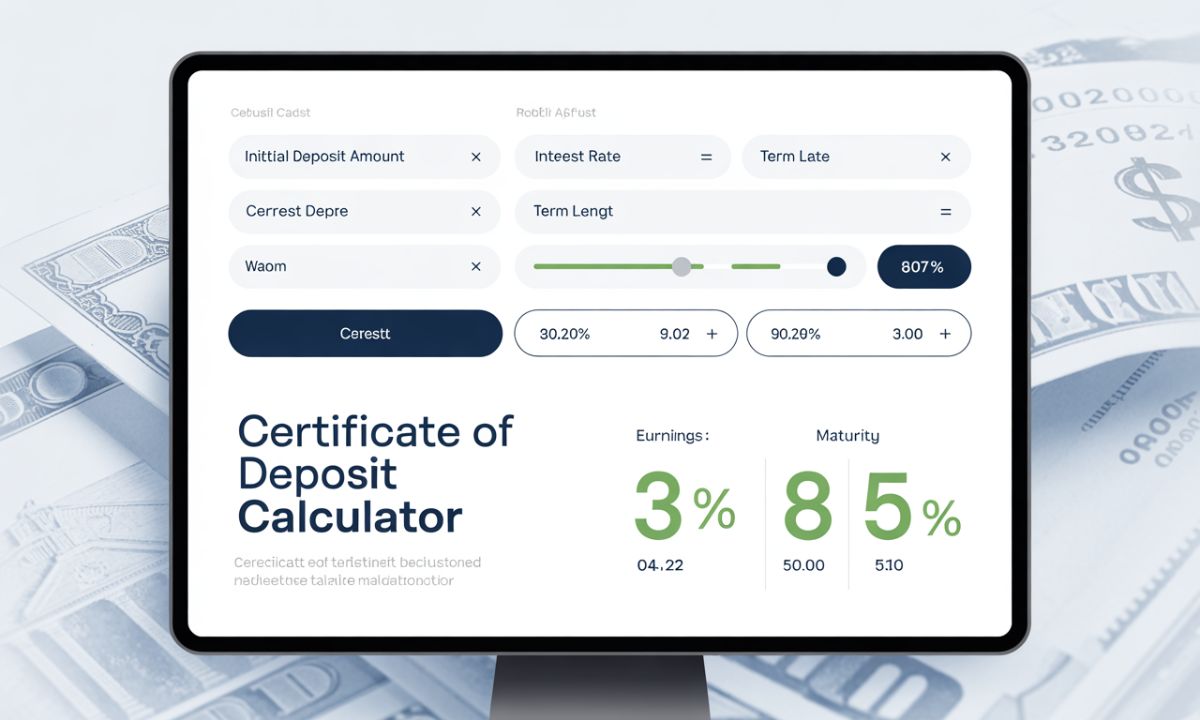
Certificate of Deposit (CD) Calculator
Enter deposit, rate and term. Choose compounding frequency.
This calculator uses compound interest formula: A = P(1 + r/n)^(n*t)How to Use This CD Calculator (Simple Method for Beginners)
Using this CD calculator is very easy. Just follow the steps below, and you will get your maturity amount and total interest instantly.
1. Enter Your Deposit Amount
Start by typing the amount you want to invest in the CD.
This is your principal amount.
Example: $1,000
2. Add the Annual Percentage Rate (APR %)
Next, enter the interest rate your bank or credit union offers.
This should be the yearly APR.
Example: 5.5%
3. Choose the CD Term in Years
Select how long you want to keep your money locked in the CD.
This can be 1 year, 3 years, 5 years, or any custom value.
4. Select the Compounding Frequency
Compounding shows how often your interest is added to your balance.
The calculator supports:
- Annually
- Quarterly
- Monthly (most common)
- Daily
Choose the option your bank provides.
5. Click the “Calculate” Button
Once all fields are filled:
- The calculator will instantly compute the maturity value
- It will also show the total interest earned
- You will also see the effective annual yield (EAY)
This helps you understand how much your investment will grow over time.
6. Use the Reset Button to Start Again
If you want to calculate another CD, simply press Reset.
This clears all inputs and lets you start fresh.